
Download Higan – multi-system emulator, retro gaming, classic games, accurate emulation, NES, Super Nintendo, Sega Mega Drive, savestates, resolution scaling, BIOS files
Overview
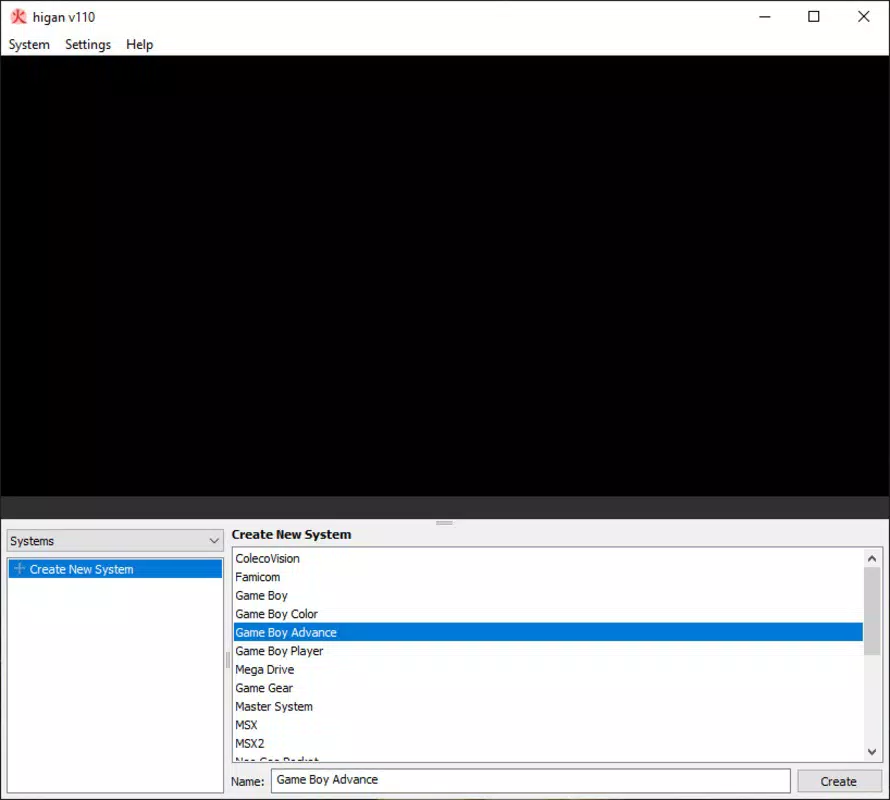
Higan stands out as a dedicated multi-system emulator crafted to deliver an authentic retro gaming experience across a wide range of classic consoles. Designed for enthusiasts seeking precision and fidelity, the app supports over a dozen legacy systems, including the NES, Super Nintendo, and Sega Mega Drive, enabling users to relive iconic titles from the golden age of video games. Its primary purpose is to emulate original hardware with high accuracy, prioritizing gameplay authenticity over visual enhancements or modernized features. This focus makes Higan particularly valuable for purists and collectors who value historical accuracy in emulation.
The app is ideal for users interested in preserving and accessing vintage game libraries, whether for nostalgic play or archival purposes. While the developer, bbbbbb, has not provided detailed background information, the emulator’s technical foundation and influence on other projects like BSNES and ARES suggest a strong commitment to open-source innovation and emulation excellence. Higan’s role in advancing emulator technology underscores its importance within the broader mobile and retro gaming ecosystem.
Real-world use cases include playing classic games on modern smartphones, preserving playable versions of rare titles, and exploring how games performed on original hardware. Despite requiring users to obtain BIOS files separately, Higan remains a powerful tool for those committed to authentic retro experiences. The app’s design reflects a deep understanding of both hardware limitations and user expectations, offering a balanced platform for dedicated retro gaming on mobile devices.
Key Features & Functionality
- Multi-System Emulation: Higan supports more than a dozen classic gaming systems, including NES, Super Nintendo, and Sega Mega Drive, allowing users to play titles from various eras and platforms within a single application.
- High Fidelity Emulation: The emulator is engineered to replicate original hardware behavior with exceptional accuracy, ensuring that games run as they did on the original consoles, without graphical or timing discrepancies.
- Savestates: Users can create up to five quick savestates, enabling instant pause and resume functionality—a modern convenience not available on original hardware but highly practical for mobile gaming sessions.
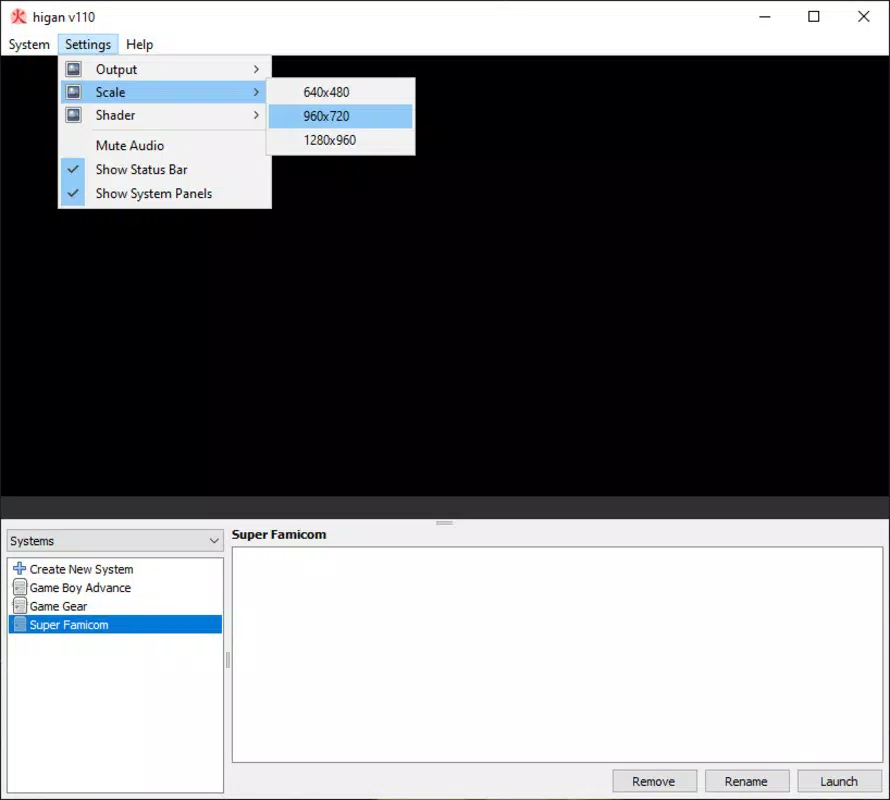
- Resolution Scaling: The app provides scalable output options, allowing classic low-resolution games to be displayed clearly on high-definition mobile screens, enhancing visual clarity without distorting the original aspect ratio.
- BIOS File Support: To maintain authenticity, Higan requires users to provide BIOS files for each console they wish to emulate, ensuring compliance with emulation standards and preserving accurate system behavior.
These features collectively enhance the user experience by combining historical accuracy with practical modern tools. For instance, a player can load a Super Nintendo ROM, scale the output to fit their Android screen, use a savestate to pause mid-game, and continue later—all while maintaining the original game’s timing and audio behavior. This blend of functionality makes Higan suitable for both casual players and serious retro enthusiasts.
Interface, UX & Performance
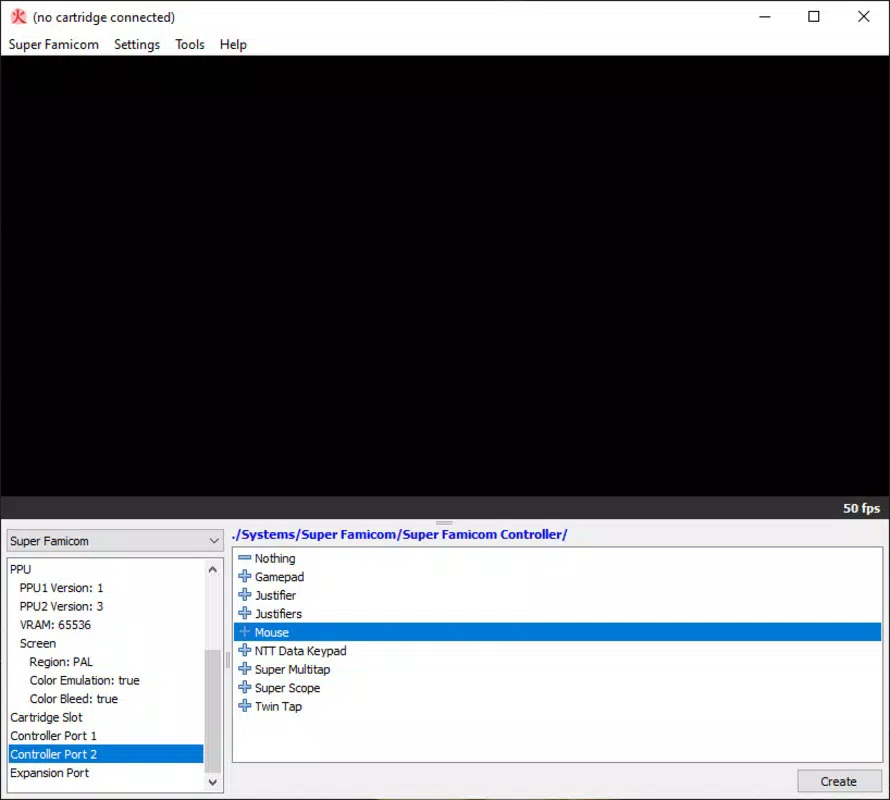
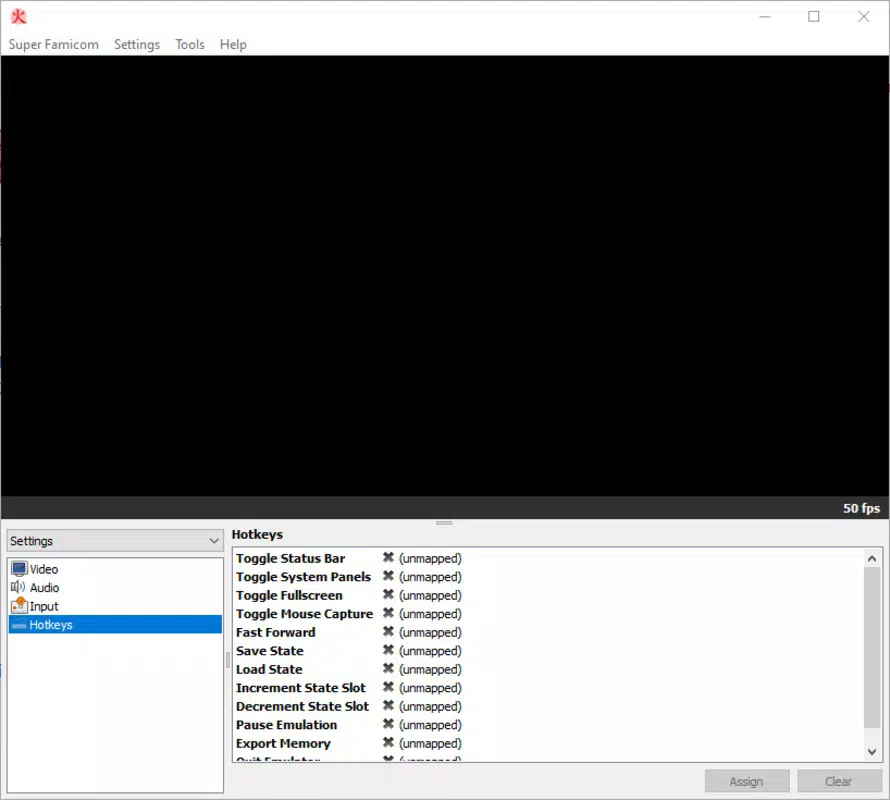
The user interface of Higan is designed with functionality and minimalism in mind, prioritizing ease of access to core emulation features. Navigation is straightforward, with a clean layout that allows users to load ROMs, configure system settings, and manage savestates with few on-screen distractions. The visual style remains utilitarian, focusing on performance and compatibility rather than aesthetic flair.
Navigation flow is consistent across supported systems, allowing users to switch between consoles with minimal reconfiguration. The emulator responds promptly to user inputs, and although the developer did not list formal performance metrics, the app operates smoothly on mid-to-high-end Android devices. Responsiveness is maintained during gameplay, with minimal lag or frame drops, especially when using optimized ROMs.
Stability is a key strength, with the app maintaining consistent performance across multiple sessions. While the developer did not specify minimum OS requirements or device compatibility, the app’s lightweight size of 42.4 MB suggests efficient resource usage. Although the developer did not list formal performance metrics, the app’s design indicates optimized execution, making it suitable for a broad range of Android smartphones and tablets.
Platform Compatibility & Technical Requirements
Higan is available exclusively on the Android platform, making it accessible to users of modern smartphones and tablets. The current version is 2.0.1, with a file size of 42.4 MB, indicating a lightweight and efficient application. The developer did not specify minimum OS requirements or device compatibility, so users are advised to ensure their device supports Android applications and has sufficient storage for ROMs and BIOS files.
While the app itself is free to download and install, users must manually source BIOS files for each console they wish to emulate. These files are not included in the app package due to licensing restrictions. The absence of pre-packaged BIOS files is standard practice in the emulation community and ensures compliance with copyright laws. Compatibility with specific Android versions was not disclosed, but the app’s lightweight nature suggests broad device support.
Pros and Cons
Pros
- Supports over a dozen classic gaming systems in one application
- High accuracy in emulating original hardware behavior
- Includes savestate functionality for quick game saves
- Offers resolution scaling for improved visibility on modern screens
- Lightweight file size of 42.4 MB
- Free to download and use
Cons
- Requires users to manually obtain BIOS files for each console
- Developer did not provide detailed compatibility or OS requirements
- No built-in ROM library or game discovery tools
- Interface is minimalistic, which may not appeal to all users
- Advanced configuration may require technical knowledge
FAQ
Is Higan safe to download and use?
Higan is a legitimate emulator developed by bbbbbb. As long as users obtain the app from trusted sources and comply with copyright laws by using only ROMs and BIOS files they legally own, the app is considered safe to install and use.
Do I need to pay to use Higan?
No, Higan is completely free to download and use. The app does not require a subscription or in-app purchases. However, users must provide their own ROMs and BIOS files, which are not included in the app package.
Can I play NES games on Higan?
Yes, Higan supports NES emulation, allowing users to play classic titles from the Nintendo Entertainment System on their Android devices. The emulator replicates the original hardware behavior with high accuracy.
What are BIOS files, and why are they needed?
BIOS files contain the firmware of original consoles and are essential for accurate emulation. Higan requires users to provide these files separately to ensure authenticity and compliance with legal standards. They are not distributed with the app.
Is Higan compatible with all Android devices?
The developer did not specify minimum OS requirements or device compatibility. However, the app’s lightweight size suggests it may run on a wide range of Android devices. Users should ensure their device supports APK installation and has sufficient storage for ROMs and BIOS files.
Final Thoughts
Higan delivers a powerful, accurate, and authentic retro gaming experience on Android, making it a top choice for enthusiasts who value precision over flashy visuals. Its support for multiple classic systems, combined with savestates and resolution scaling, provides both convenience and fidelity. While the need to source BIOS files adds a layer of complexity, it aligns with best practices in the emulation community.
For users seeking a reliable, free, and technically robust emulator that honors the legacy of classic gaming, Higan is an excellent option. Whether you're reliving childhood favorites or exploring vintage titles for the first time, this app offers a seamless bridge between past and present.
Download Higan now


